Docker & Containers for Network Engineers
A complete, hands-on masterclass featuring 14 guided labs, 2 real-world challenges, and quizzes to bridge the gap between traditional networking and modern container infrastructure.
- ✓ Full video course library
- ✓ 14 guided, hands-on labs
- ✓ 2 real-world challenge labs
- ✓ Section quizzes to lock in every concept
- ✓ Downloadable blueprints & cheat sheets
- ✓ Lifetime access
- ✓ 30-day money-back guarantee
Whether you've never heard of a container before or you've run a few docker commands without really understanding what's happening under the hood, this course takes you from absolute scratch to deploying production-grade container infrastructure.
By the end of this course, you won't just run containers — you will master Docker networking, container storage, and infrastructure security. You will build and deploy a working stack of real-world services including a custom DNS server, full monitoring/observability, cloud storage, a secure reverse proxy, and a VPN.
Best of all? You will prove your skills by working through 14 hands-on guided labs, 2 real-world challenge labs, and comprehensive topic quizzes.
Have your first container up and running by the end of the day!Watch the course preview above
What You'll Learn
- ✓ Master Docker Networking at the Packet Level: Understand exactly how traffic moves through bridge, host, macvlan, and ipvlan drivers, so you can choose and configure the right one for any environment instead of guessing.
- ✓ Deploy and Secure a Production Reverse Proxy: Configure Traefik to route traffic to multiple containerized services with automatic SSL/TLS termination — the same pattern used in real enterprise environments.
- ✓ Build Your Own Certificate Authority: Issue and manage trusted internal TLS certificates for self-hosted services without relying on a public CA.
- ✓ Lock Down Remote Access: Stand up a WireGuard VPN and secure infrastructure access the way a security-conscious network engineer would.
- ✓ Monitor and Document Infrastructure Like a Pro: Deploy Prometheus, Grafana, and Uptime Kuma to catch outages before your users do, and use NetBox to keep your network documentation as an accurate source of truth.
-
✓
Deploy and Harden a Full Production Stack: Put every skill together into a live enterprise environment featuring:
- Networking & Routing: Traefik Reverse Proxy with automatic SSL/TLS termination
- Core Infrastructure: Custom Authoritative DNS Server and WireGuard VPN for secure remote access
- Enterprise Security: Vaultwarden (Bitwarden) password management server
- Observability & Telemetry: Full monitoring stack using Prometheus and Grafana dashboards
Is This Course For You?
Let's be honest: most Docker courses on the market are built by web developers, for web developers. They spend hours talking about JavaScript environments and node applications, completely ignoring the underlying infrastructure.
This course is different. It was built from the ground up specifically for Network Engineers, Systems Engineers, and Infrastructure Professionals who need to manage, scale, and secure containers at the network layer.
✓ This Course Is a Perfect Fit If You Are:
- The Traditional NetEng Transitioning to NetDevOps: You know Cisco IOS, Netbox, or Ansible inside out, but you keep running into containers in your automation pipelines and need to understand the underlying architecture.
-
An Infrastructure Engineer Tired of the "Black Box": You are done running random
docker runcommands you copied from StackOverflow without actually understanding how the container routes traffic to the outside world. - A Security or Systems Professional: You need to lock down container deployments, isolate environments using custom network drivers, set strict CPU/memory resource limits, and manage private registries securely.
✕ This Course Is NOT For You If:
- You are a front-end web developer looking to deploy a basic React application.
- You only want theoretical slides — this is an intense, practical training program featuring 14 guided labs and 2 real-world challenges.
Featured Hands-On Training Labs
Theory is fine, but you don't truly understand container architecture until you've routed traffic through it yourself.
Network Monitoring with Uptime Kuma
The Mission: Deploy Uptime Kuma to continuously monitor the uptime and health of every link and service in your home lab, with instant alerts the moment something goes down.
Key Skills Learned Uptime & health check monitoring Status page configuration Alert & notification integrations Service dependency trackingIPAM & Network Documentation with NetBox
The Mission: Stand up NetBox as your source-of-truth IPAM/DCIM platform, and populate it with real devices, IP address space, and infrastructure documentation from your own lab environment.
Key Skills Learned IPAM & DCIM fundamentals NetBox data modeling Network documentation as code Infrastructure source-of-truth practicesCertificate Authority Server
The Mission: An unguided challenge lab. Build and deploy your own internal Certificate Authority to issue and manage trusted TLS certificates for your self-hosted services — without relying on a public CA. Full lab resources are there if you get stuck, but the goal is to work through it on your own.
Key Skills Learned PKI fundamentals Certificate issuance & trust chains TLS hardening Independent troubleshooting under real constraintsComplete Course Syllabus
Every module, lesson, and lab — mapped from your very first container to a fully deployed production stack.
- Deploy Your First Container (4:24)
- Images vs Containers (2:08)
- Images, Tags, and Registries (4:23)
- Your Second Container (3:44)
- Configuring External Network Access for Containers (3:41)
- The Container Lifecycle (3:58)
- Image Management (1:10)
- Connecting to a Container's Shell (6:51)
- Managing Container Logs & Troubleshooting (3:36)
- Docker Desktop (1:42)
- Docker's Architecture (2:55)
- Section Quiz
- Securing Web Services with a Reverse Proxy (5:29)
- Traefik, the Reverse Proxy (Part 1) (15:16)
- Traefik, the Reverse Proxy (Part 2) (15:02)
- Protecting Our Services (7:45)
- Self-Hosting Vaultwarden for Passwork Management & Secrets (3:17)
- Configuring Secure Remote Access with WireGuard VPN (8:54)
- Section Quiz
Meet Your Instructor
Senior Network Engineer · 20+ Years ExperienceHi, I'm Luke! I am a Senior Network Engineer with over 20 years of experience designing, deploying, and troubleshooting complex network architectures.
Throughout my career, I watched the industry shift rapidly toward microservices and automation. I noticed a massive gap: traditional networking courses ignored containers, and container courses completely ignored deep networking concepts. Network engineers were left to figure out complex Docker routing on their own.
I built this course to be the training program I wish I had when I first started bridging the gap between hardware infrastructure and containerized workloads. I don't just teach the commands — I teach how traffic flows through the Linux kernel, how drivers isolate packets, and how to scale environments securely.
When you enroll in this masterclass, you aren't just getting video clips — you are getting a practical roadmap designed by an engineer, built strictly for engineers.
Choose Your Enrollment Path
Pick the option that fits how you want to learn — then get instant access to every lab, lesson, and resource.
100% Risk-Free Guarantee
Try the course for 30 days. Watch the videos, take the quizzes, and build the first few network labs. If you don't feel it has completely transformed your container networking skills, just email me for a full, immediate refund. No questions asked.
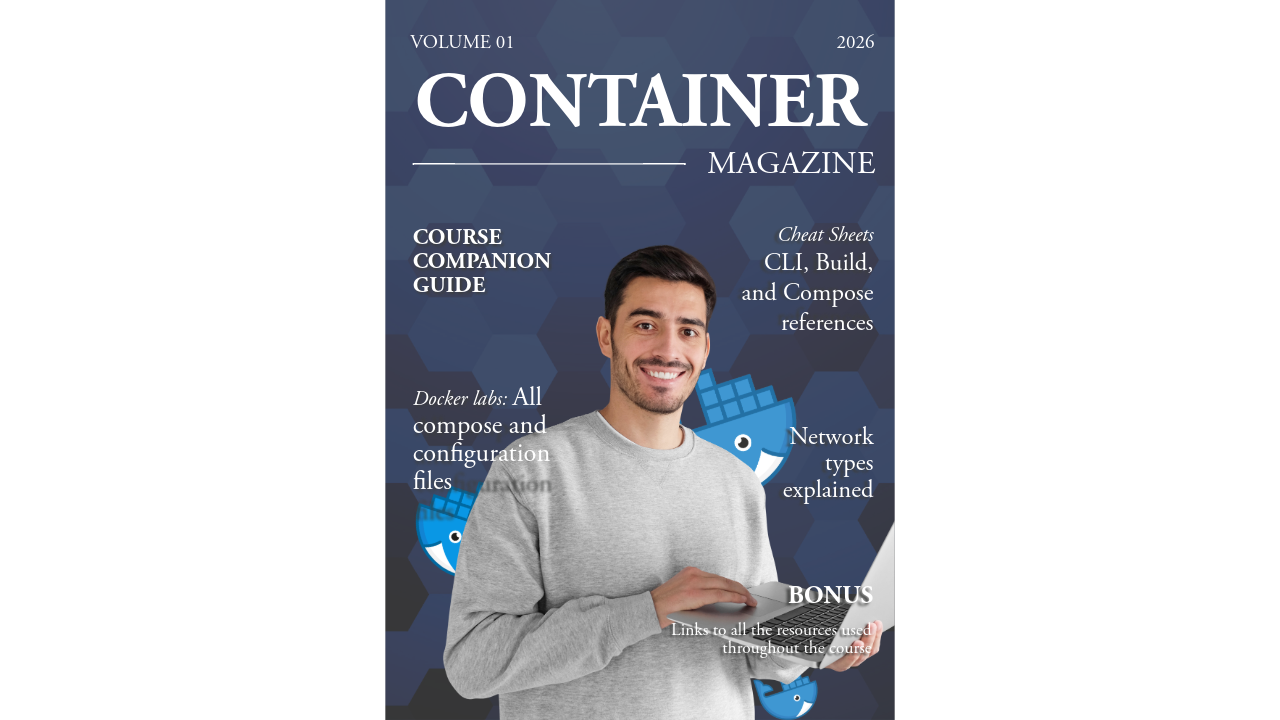
Container Magazine - Volume 01
Download your free course companion guide for Docker & Containers:
CLI, build, and compose cheat sheets, every lab file, network types explained, and bonus links to every resource used in the course.